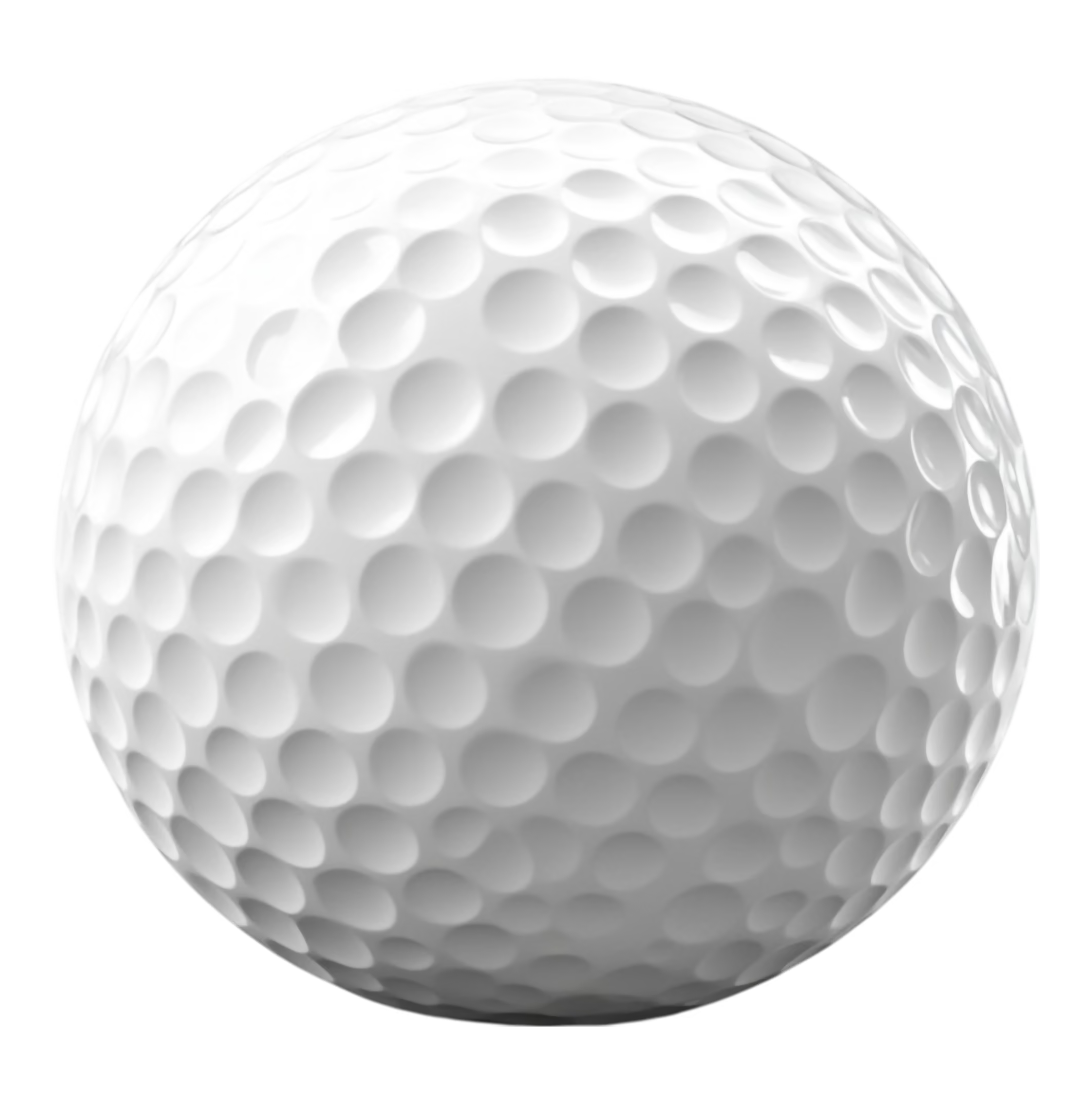
Perfect for Every Occasion
Whatever you're celebrating, the Bubble gives your guests something to gather around.

GOLF for every EVENT
The Birdie Bubble fits into any event. We bring the clubs, the screen, and the competition.

Work Events
Team building that people actually look forward to. A little friendly competition and a live leaderboard gets the whole office talking.
Try: Longest Drive, Tournament Mode.

Birthday Parties
From a 10th birthday to a 50th, the we turn any backyard into the best party on the block.
Try: Party Games, Longest Drive.

Weddings
Give your guests something to do between "I do" and the first dance. The Bubble is a hit at cocktail hours and receptions, and it's a natural photo spot.
Try: Closest to the Pin.

Fundraisers and Charity Events
Add a pay-to-play contest that raises money and gets people competing for a good cause.
Try: Tournament Mode, Closest to the Pin.
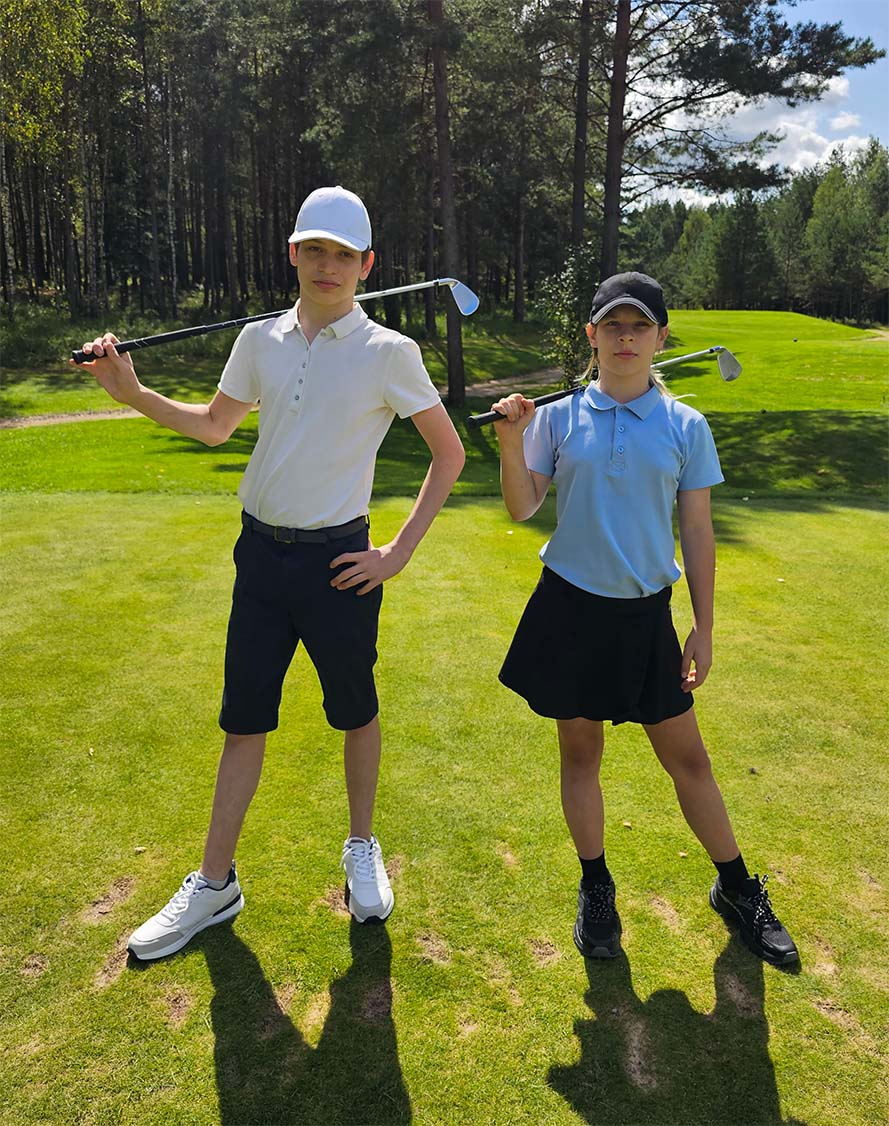
School Team Practices
Keep your golf team swinging when the weather won't cooperate. Real shot data helps players see exactly what to work on.
Try: Driving Range, Full Round.

Bachelor & Bachelorette Parties
Start the weekend with a little trash talk. Closest to the pin with the whole crew watching never gets old.
Try: Closest to the Pin, Longest Drive.
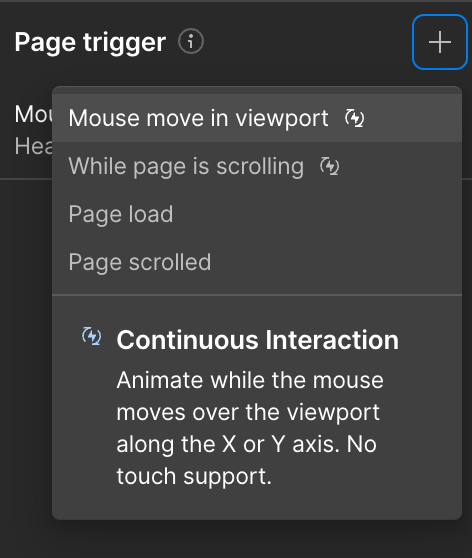
- Add a Page trigger Interaction and select Mouse move in viewport
- Select the Header 142 Images Move animation inside On mouse move
- Set Smoothing to 90%
- Under Trigger Settings select to trigger on Desktop and above only
Book Today
Lock in your date and give your guests something they'll talk about long after the party.